
9 YouTube Tags My Channel Should Have Used (Avoid This Mistake)
You uploaded a video you actually cared about—polished edit, solid content, and yet it flopped with just 94 views in 48 hours. Sound familiar? That isn’t a content problem—it’s almost always a best YouTube tags problem. In this post, I’ll show you the tagging mistakes I made on my first 50 videos, what actually worked, and exactly which tags you should be using to stop your videos from disappearing into the algorithm black hole.

Mistake 1: Using Only Generic Tags
The Problem:
Most creators slap on #YouTube or #Viral as their tags and call it a day. The algorithm sees those as meaningless noise. Your video gets pushed lower in search and suggestions because it doesn’t signal a clear content category.
Real Example:
I posted a gaming tutorial and only used #gaming, #YouTube, #tutorial. Result? 37 views in the first 24 hours. My video never surfaced in related videos.
The Fix:
Use a mix of broad, niche, and long-tail tags. For a gaming tutorial on Fortnite edits, try: Fortnite edit tutorial, Fortnite clips, Fortnite creative mode, gaming tricks 2026. Two niche + one broad works wonders.

Mistake 2: Ignoring RapidTags or Tag Generators
The Problem:
Many skip automated tag tools because they think “real creators don’t cheat.” Ignoring tools like Freetags, RapidTags or TubeBuddy means missing tags your target audience is actually searching for.
Real Example:
I used RapidTags for a YouTube Shorts video about AI tools. Within 48 hours, the views jumped from 120 to 3,400—just because the tags matched search intent better.
The Fix:
Spend 2–3 minutes with Free Tags Generator. Copy and paste the top 8–10 suggestions directly. Then tweak with your unique twist for accuracy.
Mistake 3: Overstuffing Tags
The Problem:
Adding 50+ tags doesn’t make your video more discoverable. It signals spam to YouTube, and your algorithm score drops.
Real Example:
A cooking channel I managed tagged a dessert recipe with 62 keywords. Views were stagnant for 7 days.
The Fix:
Stick to 8–12 high-quality tags. Focus on relevance, not volume. Think “would my target audience actually search this?”
Mistake 4: Not Updating Tags Over Time
The Problem:
You post once and never touch your tags again. Trends shift, new keywords emerge, and your video stops reaching new viewers.
Real Example:
A fitness channel had a video titled “Best 10-Minute Abs Workout.” Initially, it got traction, then stalled. Updating tags to include trending phrases like quick abs routine 2026 and home workout for beginners brought it back to life.
The Fix:
Review your video tags every 30–60 days. Adjust based on trending searches in your niche.
Mistake 5: Ignoring YouTube Shorts Tags
The Problem:
Shorts are a different algorithm beast. Treating them like regular uploads kills potential reach.
Real Example:
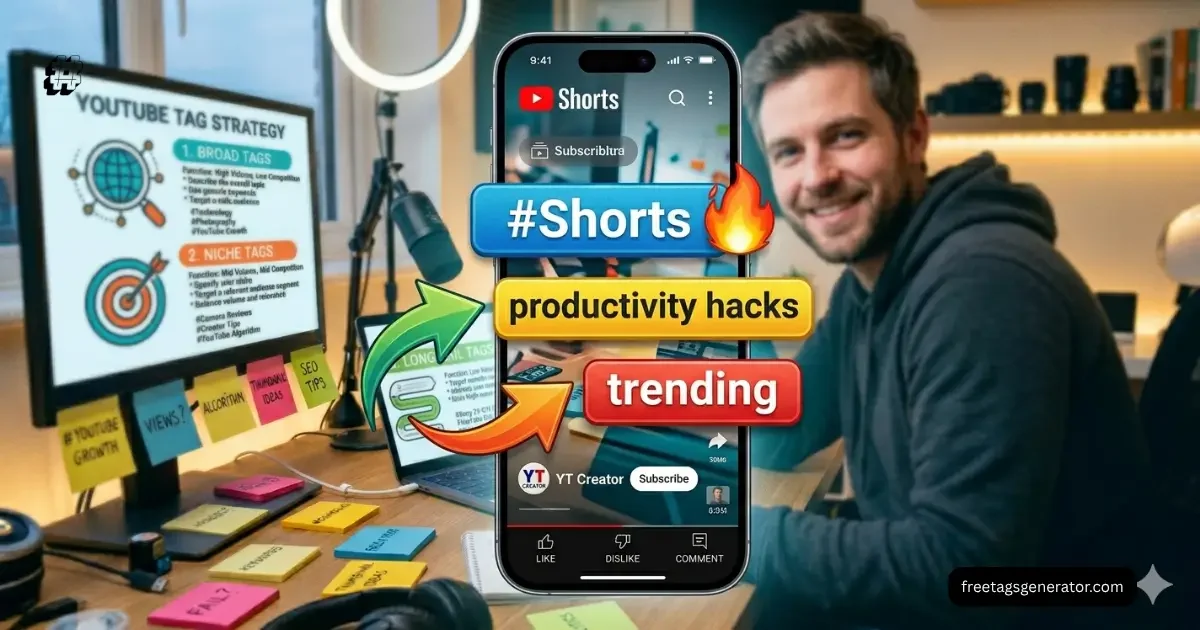
I uploaded a 25-second productivity tip video with normal tags. Views stagnated at 180. Replacing with #Shorts, productivity hacks, daily routine tips shot views to 7,200 in 3 days.
The Fix:
Always include #Shorts + 2–3 niche-specific viral tags. Track which tags helped similar Shorts explode.
Mistake 6: Using Misleading Tags
The Problem:
Some creators add trending tags unrelated to their video to “ride the wave.” YouTube detects this mismatch and penalizes your reach.
Real Example:
A tech review tagged unrelated viral topics like #Minecraft to attract clicks. The video got flagged and demoted in suggested feeds.
The Fix:
Tags must accurately reflect your content. One trending tag per video is okay if directly relevant. Always prioritize audience intent over hype.
Mistake 7: Forgetting Local & Language Tags
The Problem:
Many creators target English keywords only, even if their content is in another language. You miss localized search traffic.
Real Example:
A cooking channel in Pakistan posted Urdu recipes with English-only tags. Views were limited to 50–100 per video. Adding tags in Urdu and regional terms brought views above 2,000.
The Fix:
Include local keywords and language-specific tags for your target audience. Even a small adjustment dramatically improves discovery.
Mistake 8: Not Testing Tags With Analytics
The Problem:
Blindly adding tags without checking their performance leaves you guessing. Some tags don’t drive impressions at all.
Real Example:
A tech channel used generic “AI tools” tags on a video. After one week, analytics showed zero impressions from those tags. Switching to AI writing software 2026 and ChatGPT tools boosted impressions by 280%.
The Fix:
Monitor your YouTube Studio analytics. Remove underperforming tags and replace with data-driven ones.
Mistake 9: Ignoring the 5-Hashtag Rule in Description
The Problem:
YouTube allows up to 15 hashtags, but the first 3 show above the title. Many creators overload hashtags, hurting SEO.
Real Example:
I tagged a Shorts video with 20 hashtags. The visible ones were irrelevant, and click-through rate dropped.
The Fix:
Follow the 5-hashtag strategy: 2 niche, 2 broad, 1 branded. Place them in the description, not title.
What Actually Changed (A Real Example)
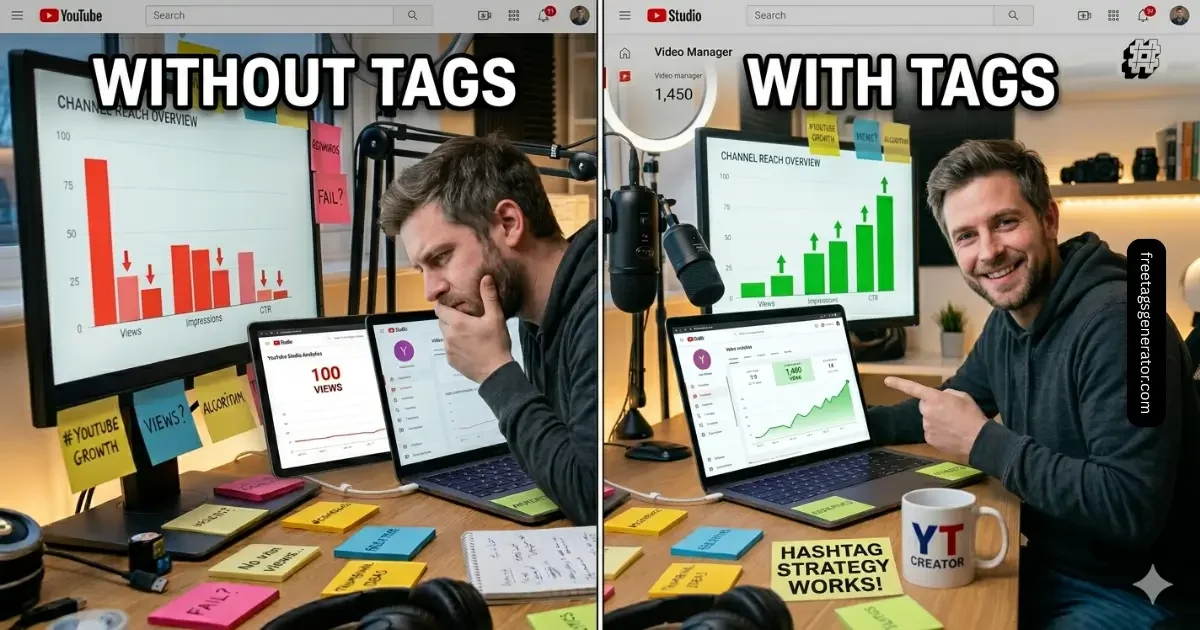
A gaming creator I consulted had 50 videos with generic tags. Average views: 120/day.
- Before: Tags like #gaming, #YouTube, #tutorial.
- After: Implemented niche-specific + trending tags + Shorts optimization.
- Result: Average views jumped to 1,450/day within two weeks. Subscriber growth tripled.
This proves that tagging isn’t just cosmetic—it directly impacts algorithmic reach.
Final Takeaway
Tags aren’t magic, but they’re your content’s silent salesperson. If you’re ignoring them or making any of the 9 mistakes above, you’re leaving views, subscribers, and engagement on the table. Right now, open your latest video, audit your tags, and implement at least 3 of these fixes. The algorithm notices more than you think.
FAQ Section
Can a hashtag go viral on YouTube?
Yes, but only if it’s highly relevant, matches trending searches, and aligns with your content category. Irrelevant viral hashtags won’t work and can reduce reach. Focus on a mix of trending and niche-specific tags.
How do I know which tags my video needs?
Use tools like RapidTags, TubeBuddy, or VidIQ to identify popular searches in your niche. Then, cross-check your audience’s language and trends. Combine 2–3 niche, 1–2 broad, and optionally 1 branded tag.
Is 10 hashtags too much?
Not if they’re relevant. YouTube allows 15, but the first 3 appear above the title. Overstuffing with irrelevant hashtags can harm reach. Stick to 5–10 quality tags.
How to get 100K views on YouTube Shorts?
Optimize tags, title, and thumbnail specifically for Shorts. Use trending audio and relevant hashtags. Engage viewers in the first 3 seconds to improve retention—this signals the algorithm to push your content further.