
Why Instagram Hashtags Are Hurting Your Account
(And Why They’re Not Working)
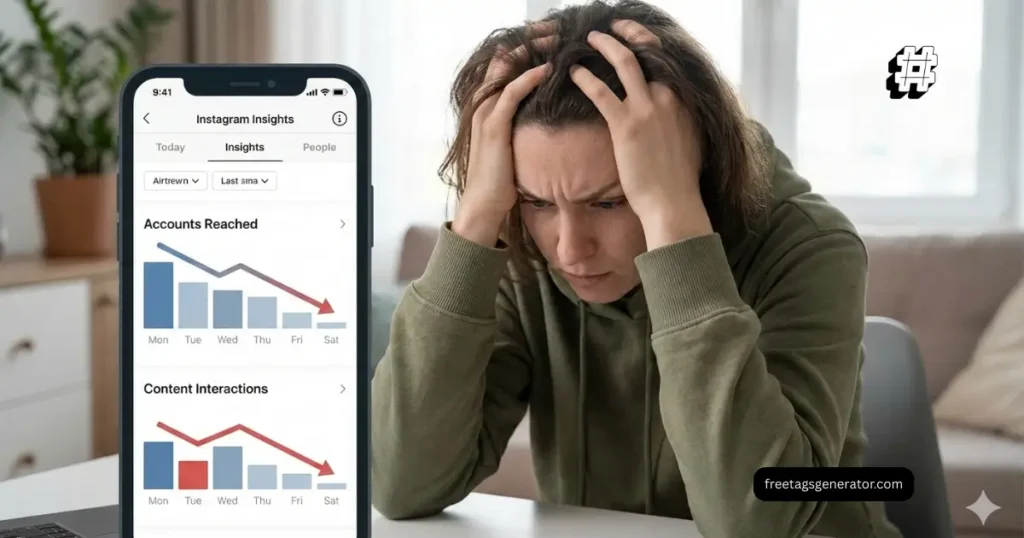
If your posts feel invisible lately, you’re not imagining it.
You post consistently. The content is solid. Reels look good.
But reach is down, likes are slow, and hashtags feel useless.
This is the exact moment people search for instagram hashtags not working.
Here’s the uncomfortable truth.
Hashtags don’t stop working randomly. Most of the time, they’re working against you.
Wrong Instagram hashtags can quietly limit your reach, confuse the algorithm, and push your content to the wrong audience. This article breaks down what’s actually happening, why your hashtag strategy might be hurting your account, and how to fix it step by step.
No fluff. No recycled advice. Just practical fixes you can use today.
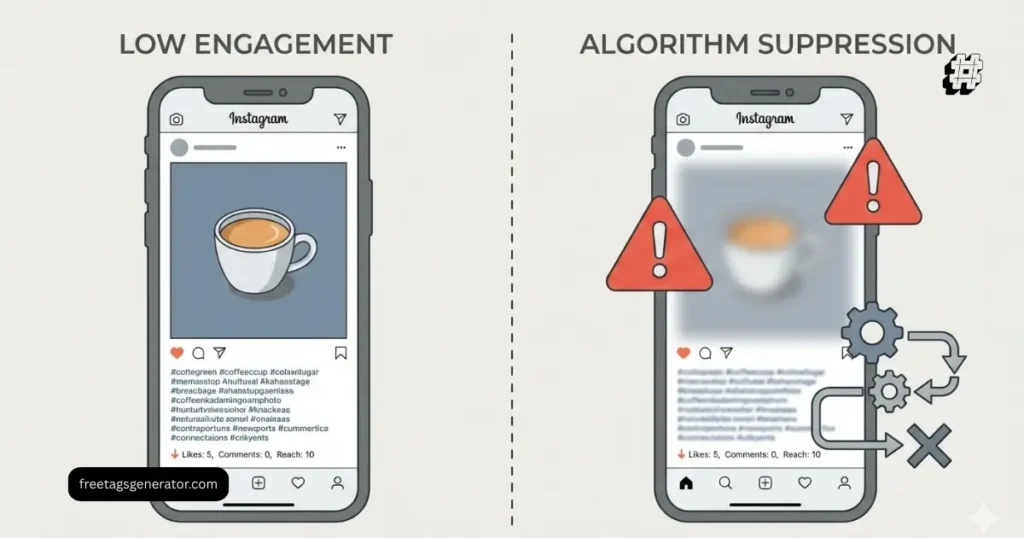
Why Instagram Hashtags Are Not Working Anymore (The Real Reasons)
Instagram never “killed” hashtags.
What changed is how Instagram understands content.
Hashtags are no longer magic distribution buttons. They are context signals. When those signals are wrong, your reach drops.
Here’s what’s going wrong behind the scenes.
You’re Using the Wrong Instagram Hashtags for Your Content
This is the most common mistake.
Creators chase:
High-volume hashtags
Viral hashtags
Generic hashtags copied from competitors
But reach does not come from popularity. It comes from relevance.
Using #marketing on a small creator post tells Instagram:
“This content is competing with millions of posts.”
The result:
No initial engagement
No test distribution
No momentum
That’s how wrong Instagram hashtags hurt reach.
Your Hashtags Don’t Match What’s Actually in the Post
Instagram reads:
Captions
On-screen text in Reels
Audio context
Engagement patterns
If your hashtag says “Instagram growth tips” but your Reel is motivational or generic, the system gets confused.
Confusion equals suppression.
This is a major reason people experience an Instagram hashtag reach drop without changing anything else.
You’re Accidentally Using Banned Hashtags on Instagram
Yes, this still matters.
Some hashtags look normal but are:
Temporarily restricted
Soft-banned
Flagged due to spam abuse
Using even one banned hashtag can reduce visibility of the entire post.
Common signs:
Post doesn’t appear under the hashtag
Reach comes only from followers
Explore and non-follower reach disappears
Always check before using trending tags
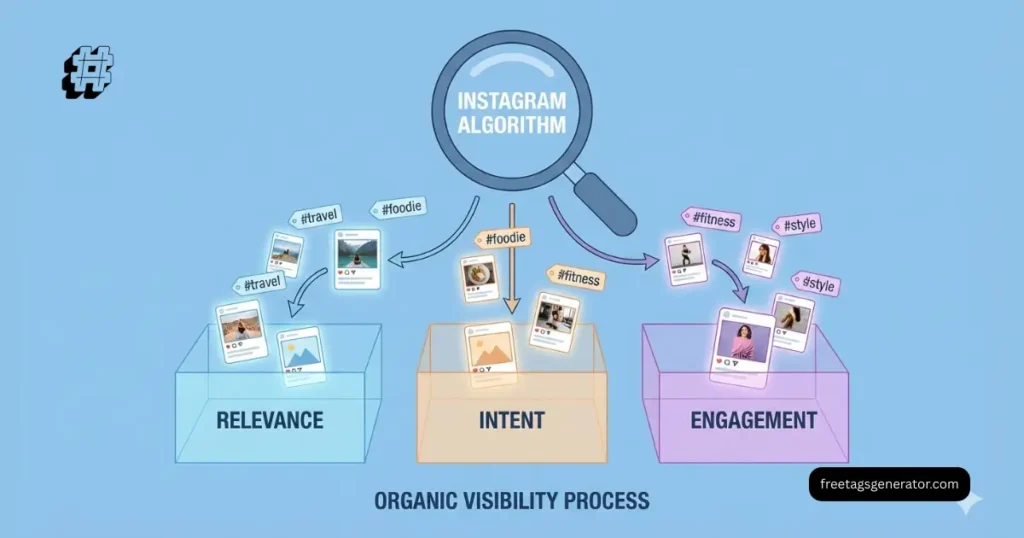
How Hashtags Are Actually Meant to Work in 2026
Instagram now uses hashtags to categorize, not promote.
Think of hashtags like labels, not amplifiers.
A good Instagram hashtag strategy helps the algorithm answer three questions:
What is this content about?
Who should see it first?
Is engagement strong enough to expand reach?
Hashtags help with question one.
Content quality and retention answer the rest.
Instagram Hashtag Strategy Mistakes That Kill Reach
Let’s break down the biggest mistakes creators keep repeating.
Using the Same Hashtag Set on Every Post
This signals automation.
Instagram wants natural behavior. Copy-paste hashtag blocks across posts make your account look spammy.
Fix:
Rotate hashtag groups
Customize based on post topic
Change wording slightly each time
Overloading Hashtags Without a Structure
More hashtags don’t equal more reach.
Throwing 30 random hashtags tells Instagram nothing useful.
A smarter structure looks like this:
3–5 niche-specific hashtags
3–5 mid-range topical hashtags
2–3 brand or creator-specific hashtags
That’s it.
Ignoring Hashtags for Reels
Many creators believe hashtags for Reels don’t matter. They do.
They just matter differently.
Reels rely more on:
Watch time
Saves
Replays
But hashtags still help categorize the Reel early.
If your hashtags for Reels are not performing, it’s usually because they’re too broad or unrelated to the video.
Why Instagram Hashtag Generators Often Make Things Worse
Hashtag generators look helpful. Most are lazy.
Here’s what they usually do:
Pull popular hashtags
Ignore intent
Ignore audience size
Ignore account authority
This leads to:
Mismatched reach
Low engagement signals
Poor content testing
Instagram hashtag generator issues aren’t technical. They’re strategic.
Use tools for ideas, not final decisions.
Step-by-Step Fix for Instagram Hashtags Not Working

Let’s fix this properly.
Step 1: Audit Your Last 10 Posts
Check:
Which hashtags you used
Which posts reached non-followers
Which posts got saves and shares
Patterns matter more than guesses.
Step 2: Define One Clear Topic Per Post
One post. One main idea.
Ask:
“What is this post actually about?”
Your hashtags should reinforce that single topic, not dilute it.
Step 3: Build Niche-Based Hashtag Sets
Create 5–7 hashtag groups based on:
Content themes
Audience intent
Account size
Rotate them naturally.
Step 4: Place Hashtags Where They Make Sense
Hashtags work in:
Caption
First comment
Choose one and stay consistent.
Instagram doesn’t penalize placement, but clarity matters.
Step 5: Track Reach, Not Likes
Likes lie. Reach tells the truth.
Focus on:
Non-follower reach
Saves
Profile visits
That’s how you know your hashtag strategy is improving.
Real Example: Fixing Hashtags That Were Hurting Reach
A small creator was using:
25 high-volume hashtags
Same set on every post
Generic creator tags
Result:
Reach stuck at followers only
Reels flatlined
After switching to:
12 niche hashtags
Rotating sets
Topic-specific tags
Non-follower reach increased within 2 weeks.
Hashtags didn’t go viral.
They finally made sense.
FAQ – Instagram Hashtags Not Working
Are hashtags still important on Instagram?
Yes. They help categorize content. They don’t replace quality or engagement.
How many hashtags should I use now?
Between 8–15 relevant hashtags works better than maxing out 30.
Can banned hashtags reduce my reach?
Yes. Even one banned hashtag can suppress visibility.
Why are my hashtags for Reels not performing?
Usually because they’re too broad or don’t match the video topic.
Should I use an Instagram hashtag generator?
Use them for inspiration only. Always filter manually.
Do hashtags work better in captions or comments?
Both work. Consistency matters more than placement.

Conclusion: Stop Letting Hashtags Sabotage Your Growth
If instagram hashtags are not working, the problem isn’t Instagram.
It’s relevance, clarity, and intent.
Hashtags should:
Support your content
Match your audience
Reinforce your topic
When they don’t, they quietly hurt reach.
Fix the strategy, not the algorithm.
If you want help generating context-aware hashtags instead of random lists, check out our Instagram hashtag research tool or read our The Ultimate Instagram Hashtags Guide 2026 for building a long-term Instagram growth system.